Your first plan
- Bring in a playlist. In the Spotify desktop app, open a playlist, click a track, press Cmd+A to select them all, and drag them onto Own the Set. Other ways are in Import a playlist.
- Add your music. Open Library & Pools, choose Add folder for each folder your DJ music lives in, and switch on the DJ software Own the Set finds. Then choose Scan now. See Music folders and DJ software.
- Check prices for the tracks you want. In Track Workspace, tick the tracks you’re ready to buy and choose Check prices in the side column. See Checking prices.
- Settle the checks. Tracks with a warning sign need a decision: is a library file the same track, is a radio edit acceptable? Open the track, or use Shopping list › Review.
- Make your list, then buy. Tick the tracks you want and choose Add to your list. The Shopping list groups them store by store: buy each on the store’s page, then tick it. See Your shopping list.
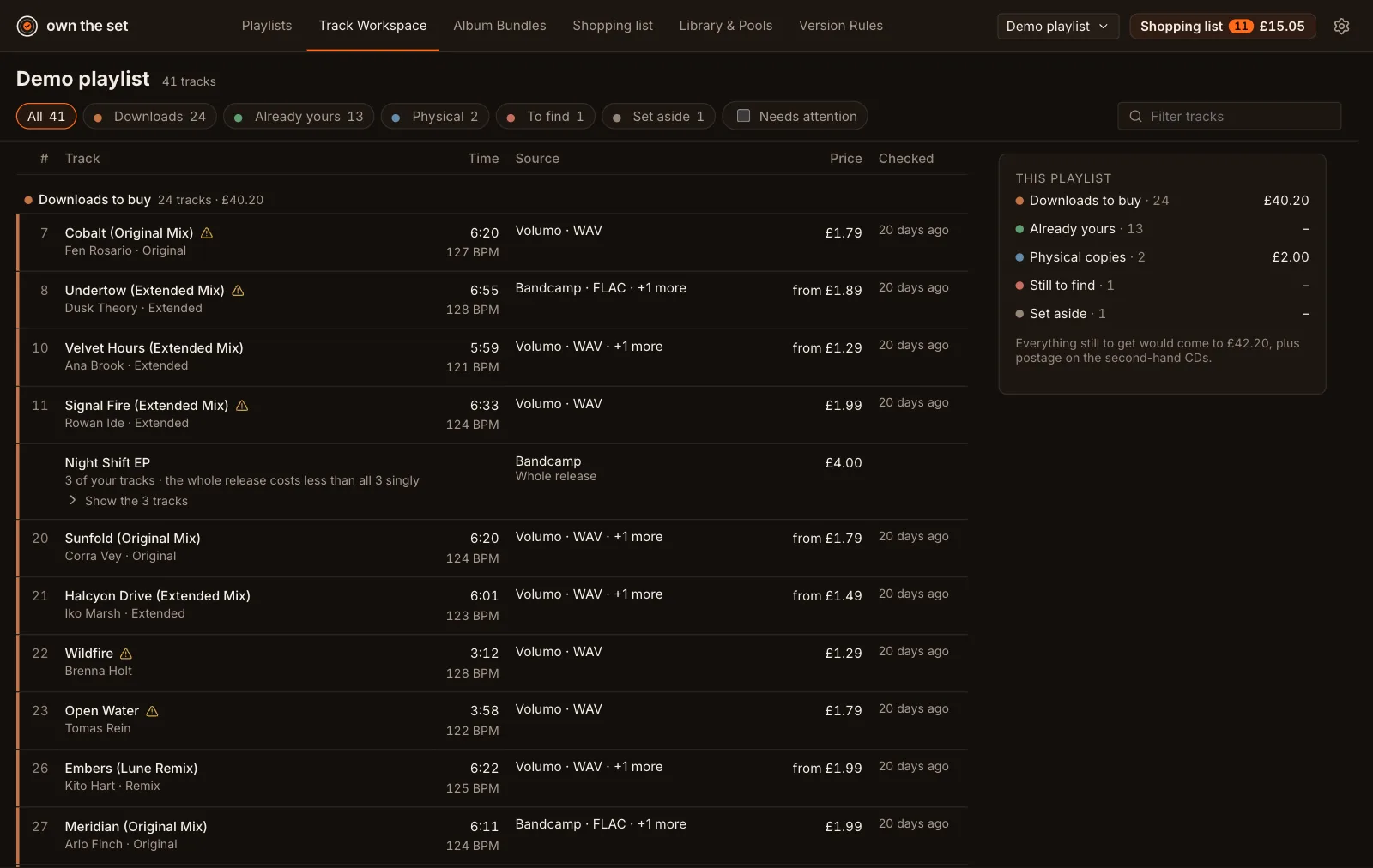
The screenshots in these docs use a demo playlist of made-up tracks.